
Focus until your stop.
A focus timer where you choose how far to ride, not how many minutes. Outside the window, the real tracks and streets of Tokyo’s Yamanote Line roll by.
English · 日本語
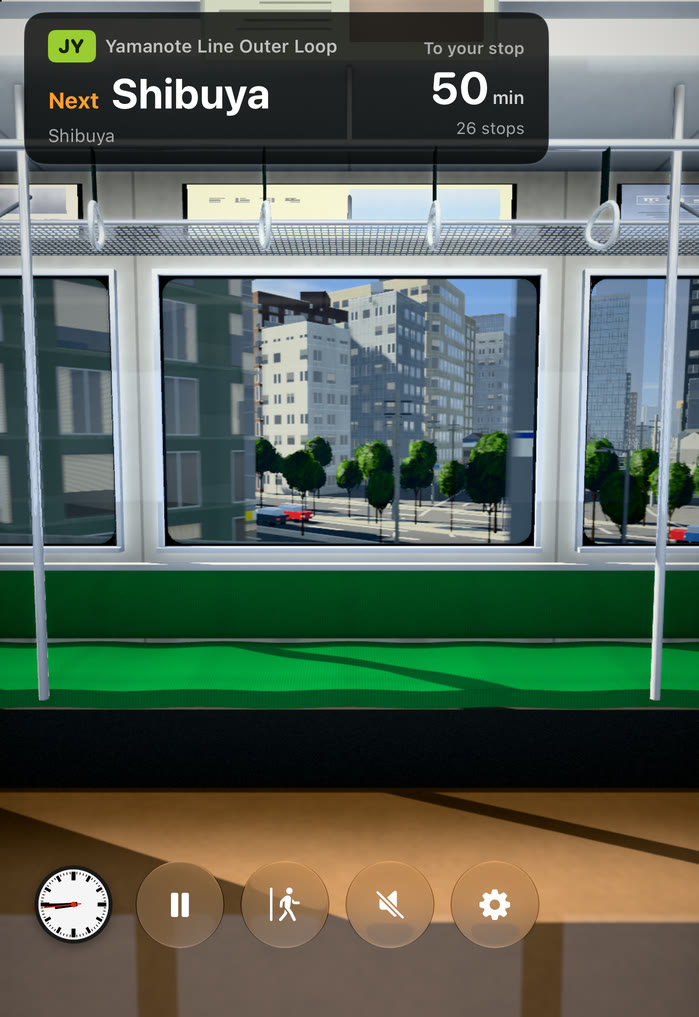
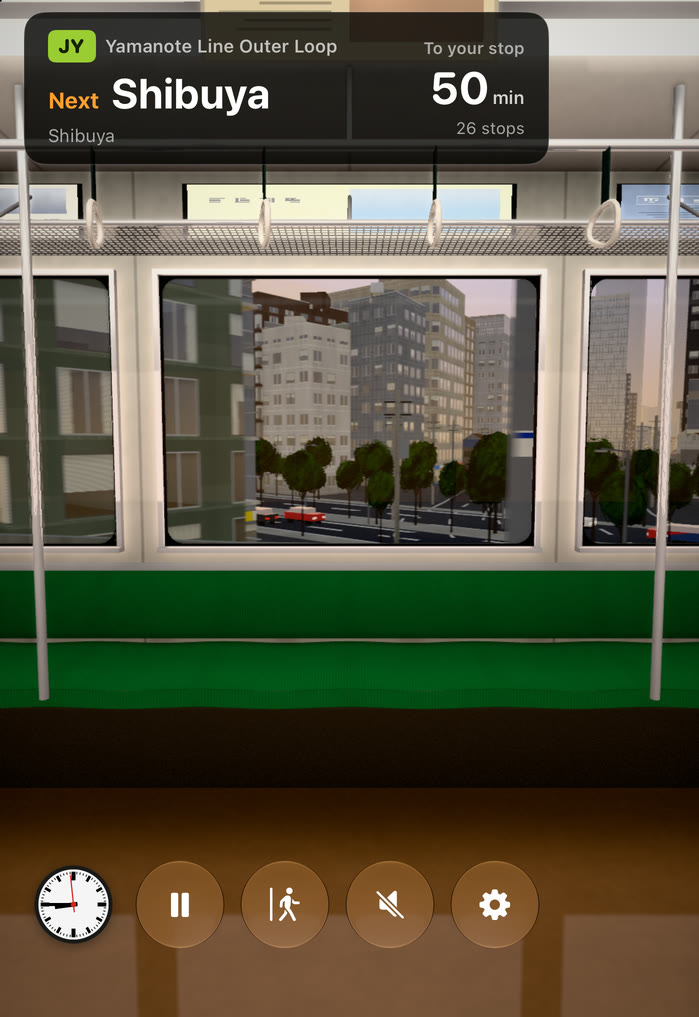
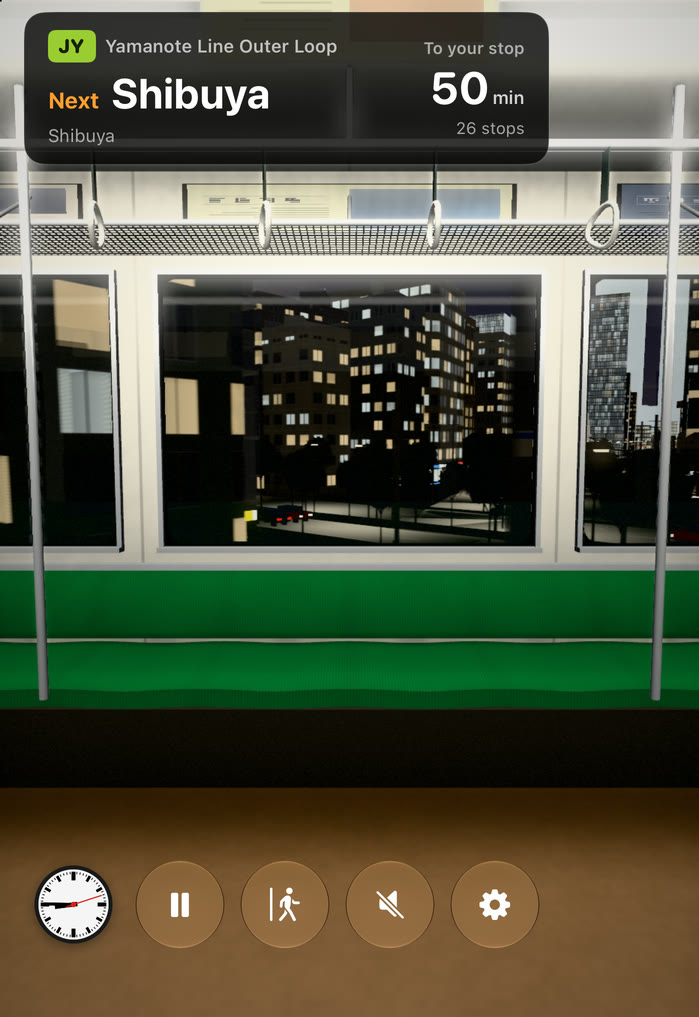
How to ride
-
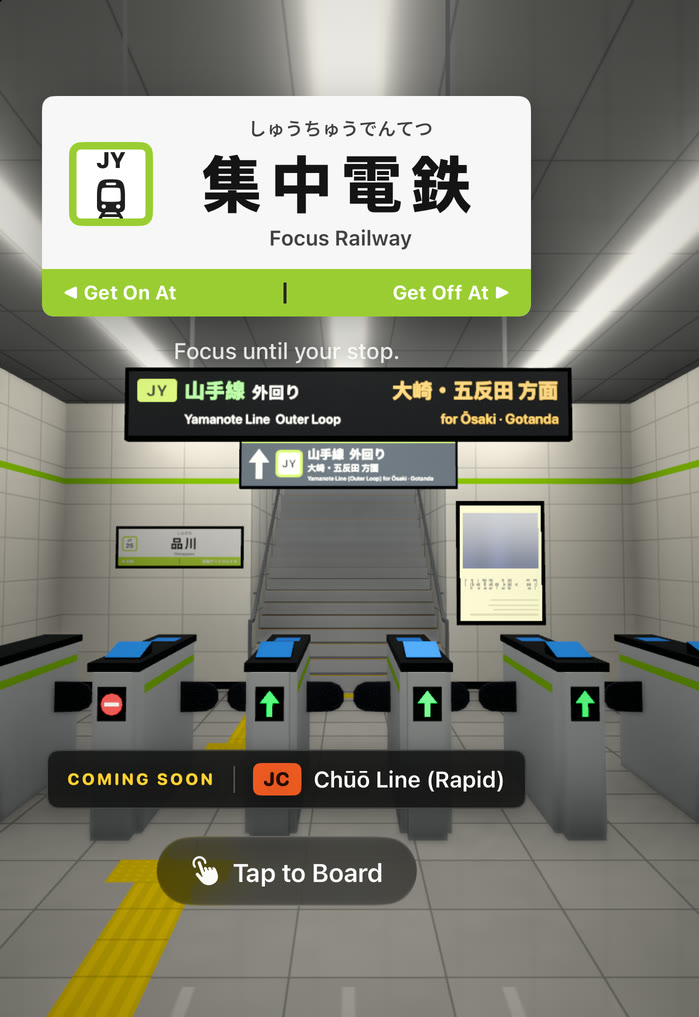
Enter through the gate
Open the app and you’re standing at the ticket gate of your station. Tap the screen to walk through, climb the stairs, and board the train from the platform.
-
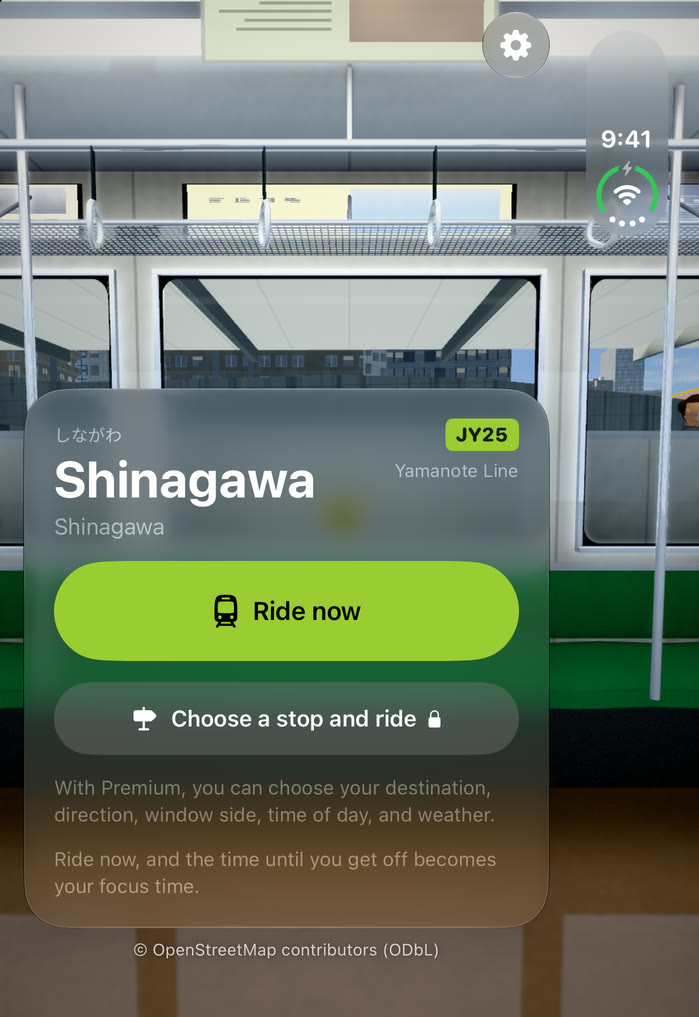
Ride to your stop
The time you ride is the time you focus. The display above the door shows the next station and the time left. Close the app and the ride pauses right there.
-
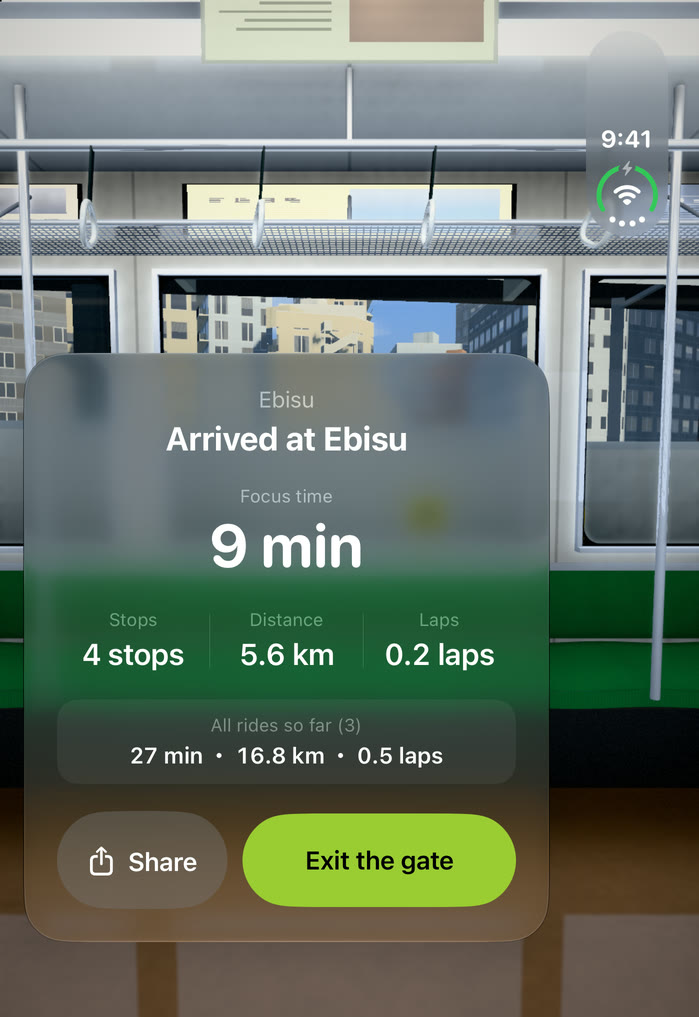
Arrive, and exit the gate
Your focus time, stations, and distance are saved on your device. You can share them as a station-sign image.
Outside the window is a real line.
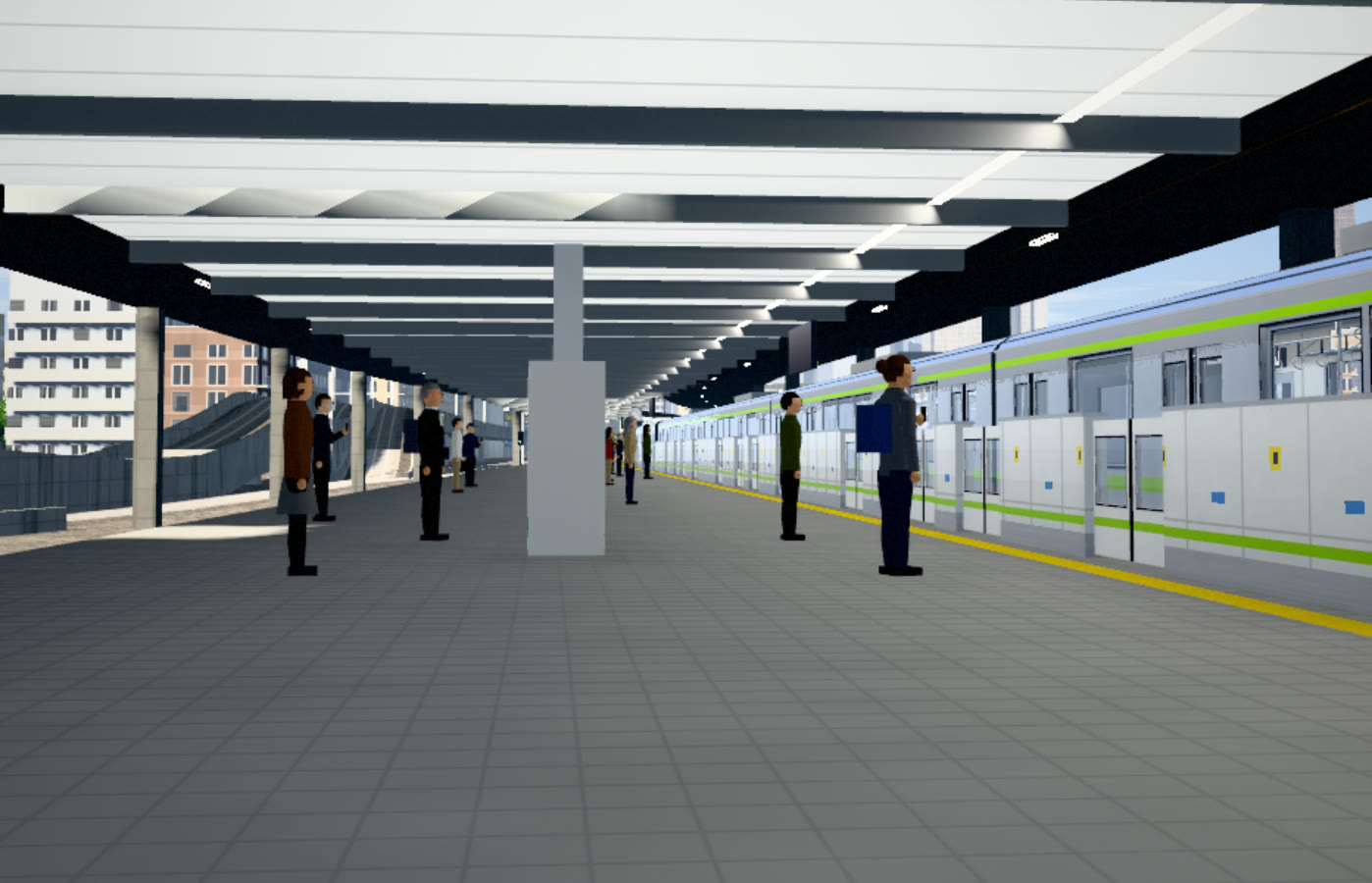
The curve of the track, the viaducts and cuttings, the rows of buildings along the line — all of it is built from map data (OpenStreetMap). It isn’t recorded video. The scenery is drawn in 3D as you go, so whichever station you board at and wherever you get off, you see that stretch of the line.
- Yamanote Line
- 30stations
- One loop
- 34.4km · 60min
- Buildings
- 77,396
- Trees
- 42,135
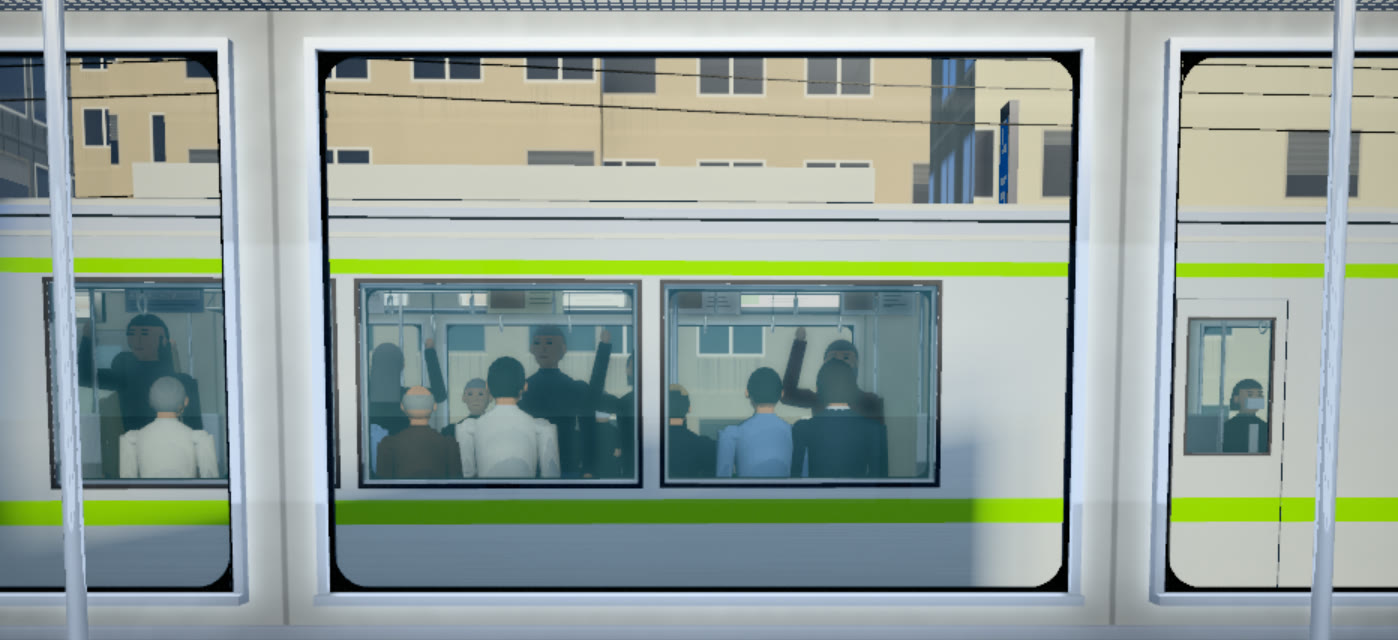
- Eleven-car trains pass on the opposite track
- Cars run on the roads, and people wait on the platforms
- Tokyo Tower and Tokyo Skytree appear in the distance on some stretches
- The hand straps sway as the train accelerates, brakes, and curves
Morning light, or a rainy night.
The sun’s position is calculated from Tokyo’s latitude and longitude. Evening sun slants in, rooms light up one by one at night, and on rainy days raindrops run down the glass.
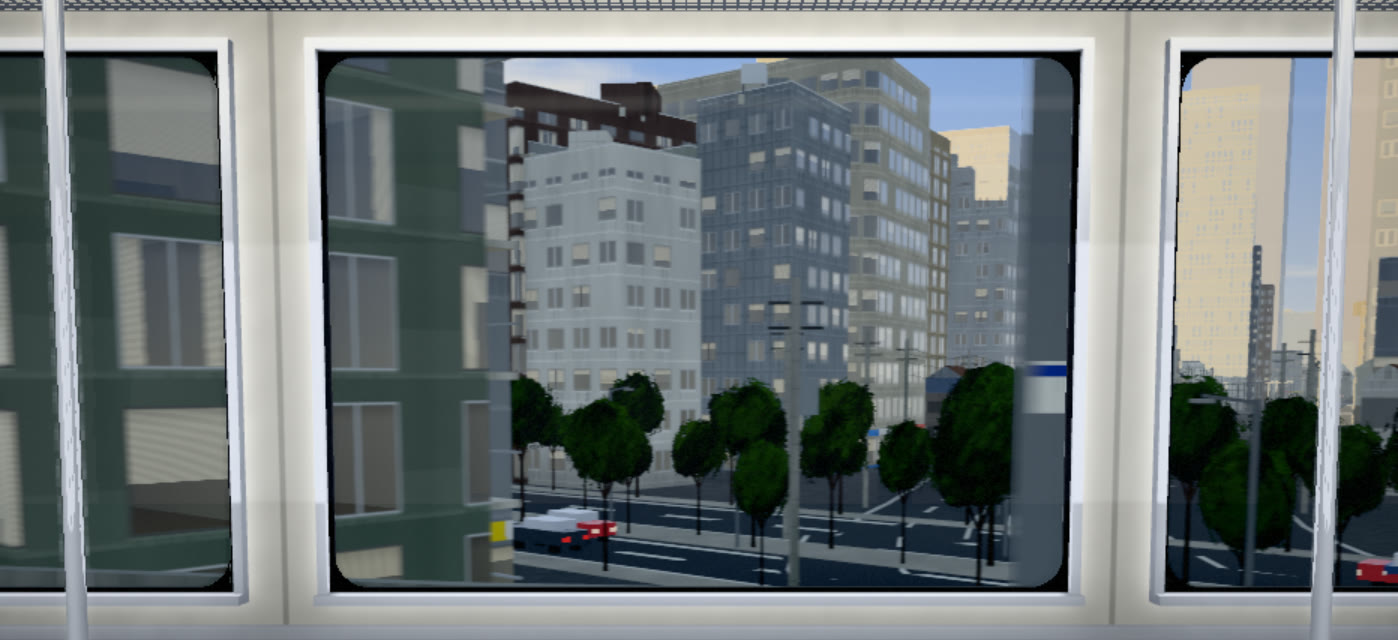
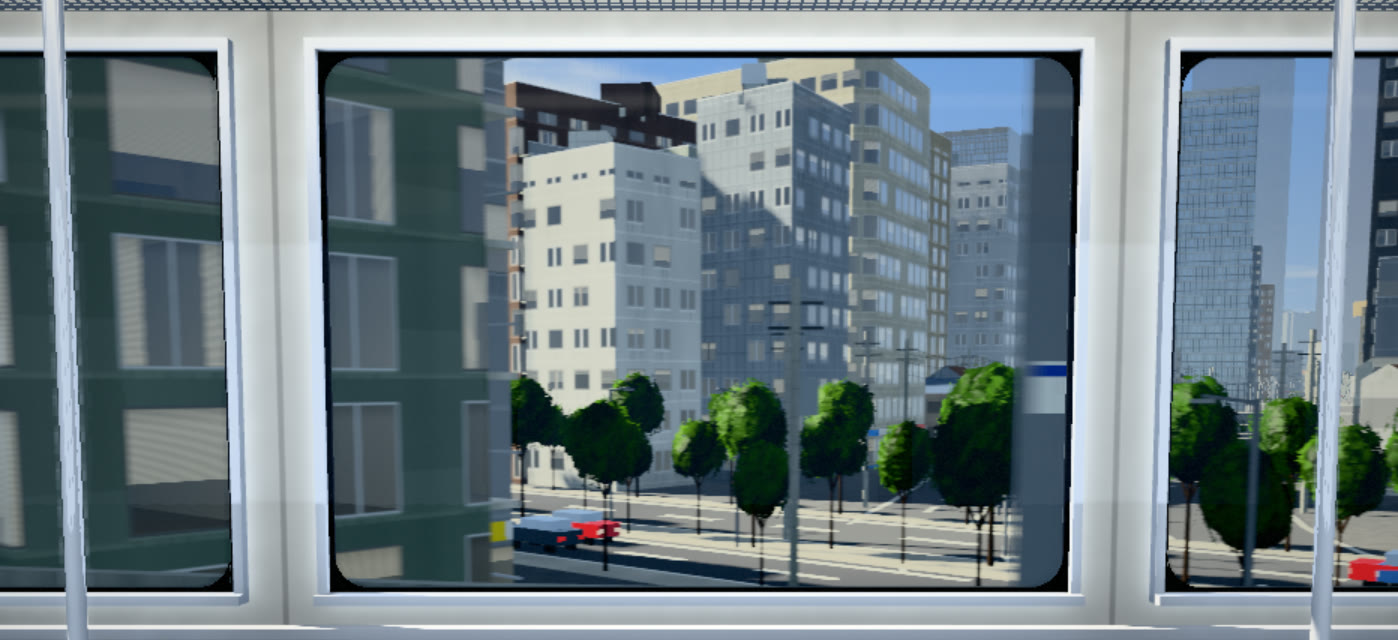
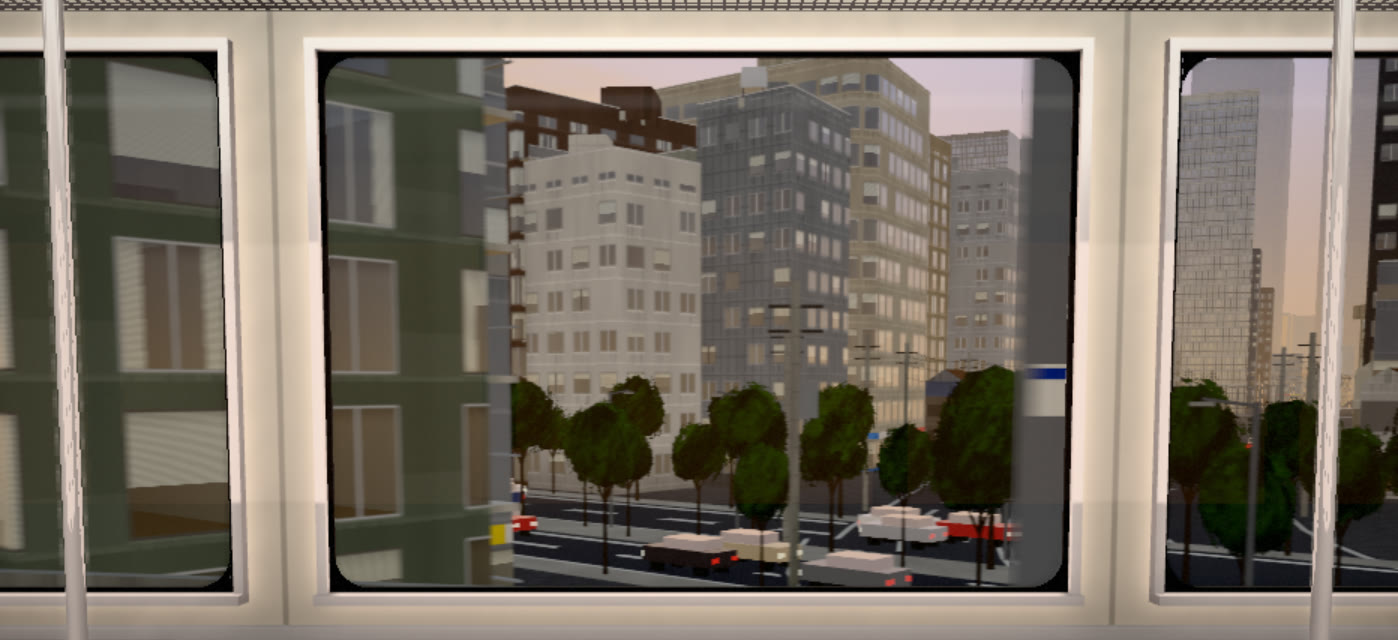
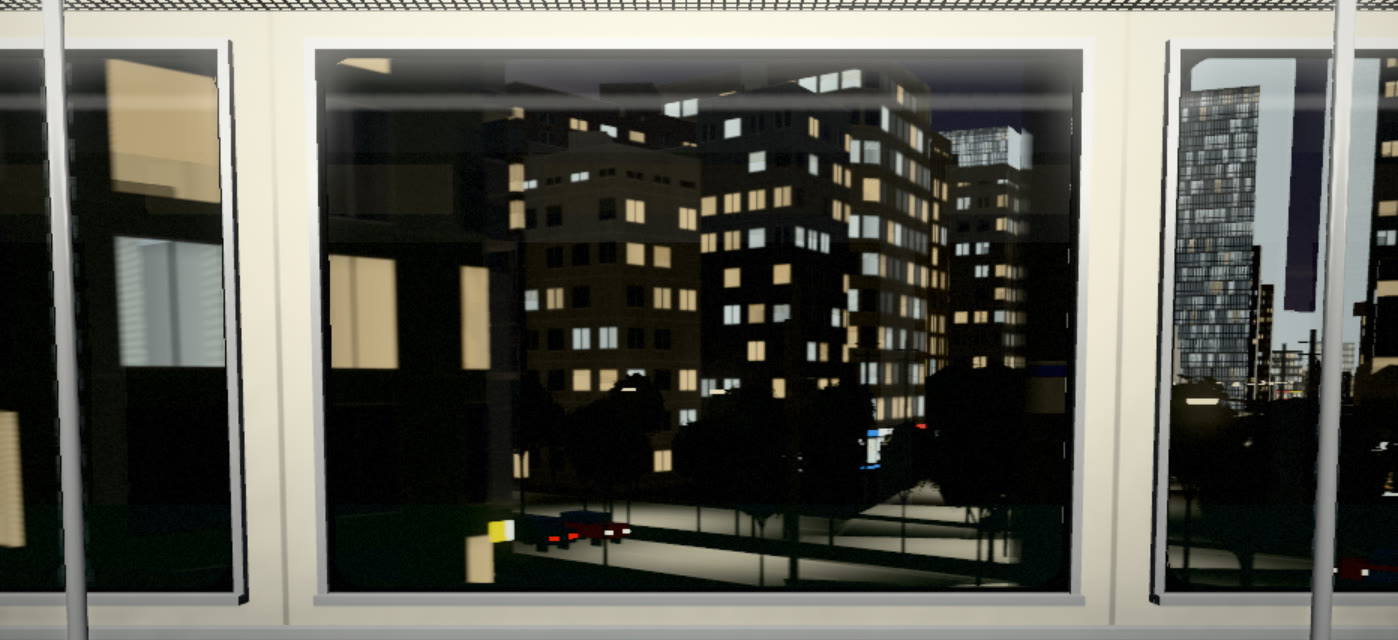
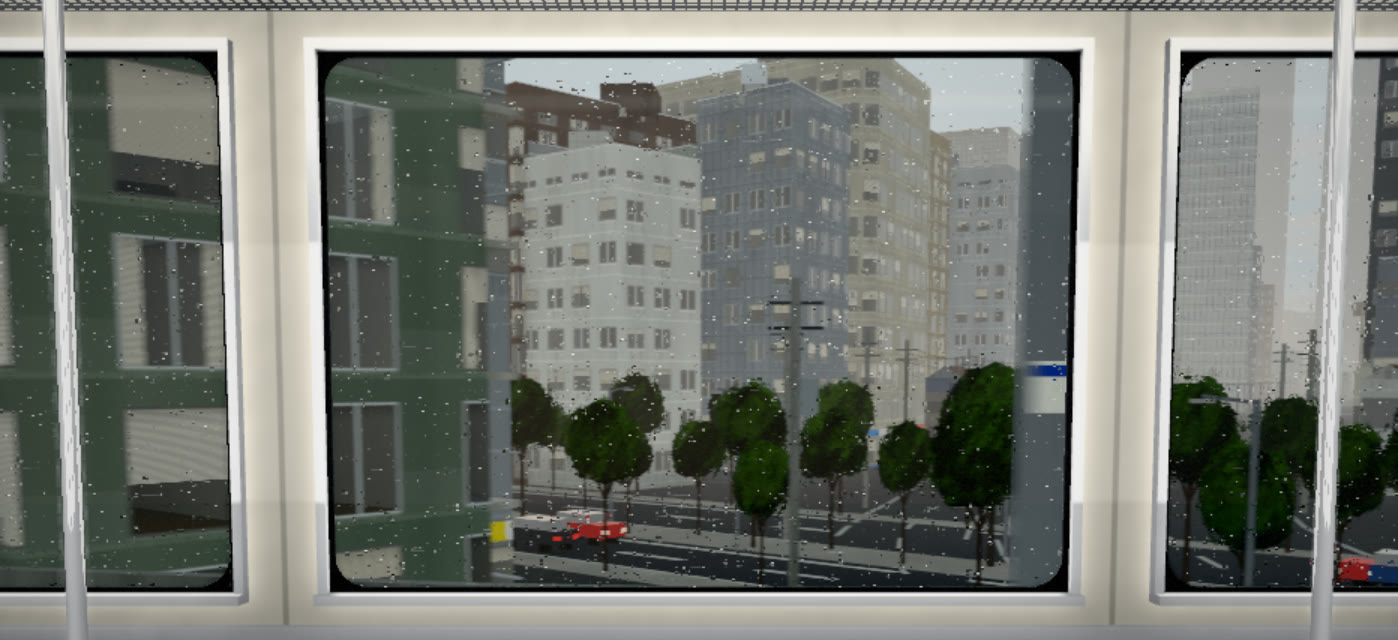
The same spot, captured in the app at different times and in different weather. Time of day and weather can be chosen with Premium.
The sound is made on the spot, too.
No recordings are used. The cabin sound is synthesized live from the train’s speed, its acceleration and braking, and what surrounds the track. The echo changes on viaducts and in cuttings, and on rainy days rain hits the roof and the windows.
You can play it together with your own music. You can also mute it from the on-screen button while riding.
- Running noise
- Rail joints
- Motor & inverter
- Doors & chime
- Announcements
- Passing trains
- Viaduct & cutting echo
- Rain
Ride for free.
- Ride now (depart from your station without picking a destination)
- Focus records, and sharing them as a station-sign image
- Lite Mode (easier on battery and heat)
Ads are shown: at the station, while stopped at stations along the way, and after you arrive. Never while the train is moving.
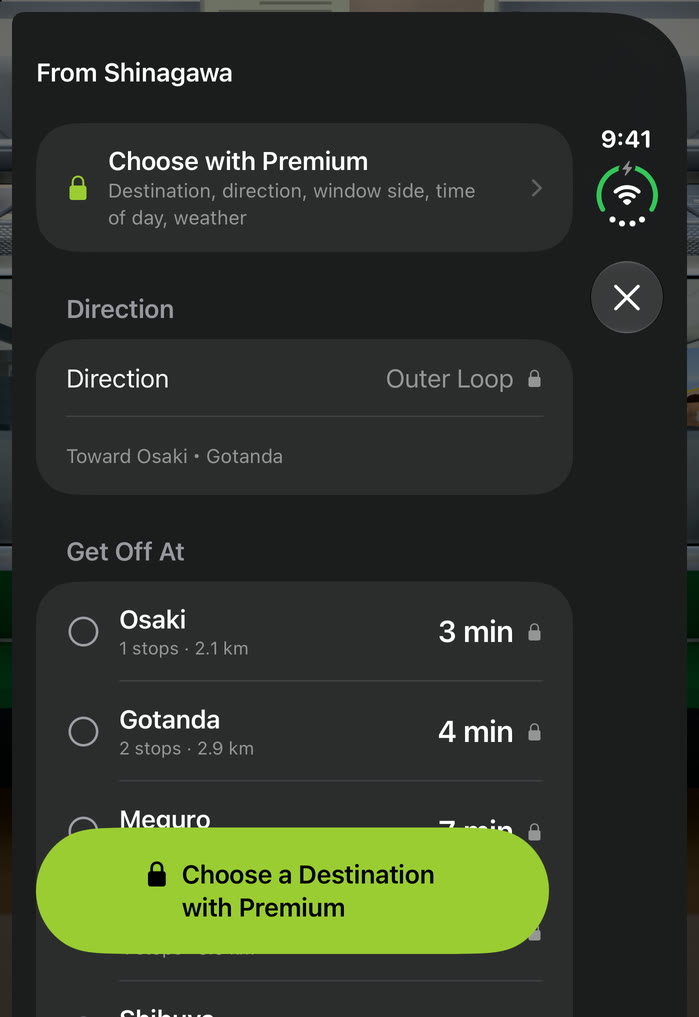
- Choose your stop, and the outer or inner loop
- Choose the window side, time of day, and weather
- Six alternate Home Screen icons
- No ads
Monthly, yearly, or lifetime. Prices are shown on the purchase screen in the app.
Lines you can ride
Right now you can ride the Yamanote Line, on both the outer and inner loops. The next line is on its way.
FAQ
Is this an official railway app?
No. It is made by an independent developer and is not affiliated with any railway company. Line and station names are used as factual names. The station signs and the displays above the doors are this app’s own designs.
What happens when I close the app?
The ride pauses on the spot. Time spent away does not count as focus time. Reopen the app and tap Resume to carry on from where you stopped.
Is it the same as the real scenery and travel time?
The shape of the track and the layout of the buildings come from map data, but how buildings look and how tall they are can differ from reality. Travel times are calculated from the curves of the track and differ from actual timetables. The app cannot be used as a timetable or a route planner.
I’m worried about battery and heat.
When your device warms up, the app automatically lightens its rendering. Turn on Lite Mode in Settings to always use the lighter rendering. Lite Mode is free.
Where are my records stored?
Only on your device. No account is needed, and your focus records are never sent to the developer’s servers. See the Privacy Policy for details.
Which devices are supported?
iPhone and iPad with iOS 26 or later. The app is available in English and Japanese.